
GC2 Panel—Battery Replacement
Follow the instructions below to replace the backup battery in your system’s panel. The GC2/GC2E panel requires a 2GIG-BATT2X battery pack, which can be purchased from Indiana Alarm. You may also call a Support Representative at 317-399-5748 to order one.
Step-by-Step Instructions:
1. Pull the front faceplate from the panel.
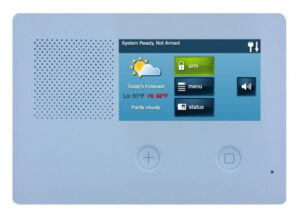
2. Loosen the top and bottom screws, then insert a screwdriver into the slots and pry from the backplate.

3. Hang the panel from the backplate using the plastic strap.

4. Unplug and remove the old battery from the holder, then replace it with a new 2GIG-BATT2X battery pack.


5. Place panel back onto backplate, then tighten the top and bottom screws.

6. Place the faceplate back on the panel.
Clear the Panel Alert
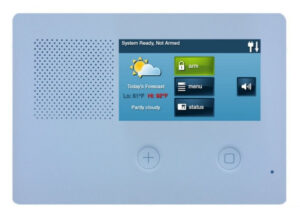
See instructions below for how to clear the error alert and stop alert beeping on your panel.
1. Press Security then tap the yellow triangle button.

2. Use the up/down arrows to scroll through the alerts to clear them, then press Ok to exit. This action will silence the beeping for 4 hours, but the issue must be resolved in order for beeping to completely end, and clear alerts for issues that have been resolved.


3. The top bar on the main screen can also indicate various alerts.

Trouble Alert Descriptions:
- AC power failure: check the power outlet to which the panel is connected. Confirm the transformer is securely connected.
- Low panel battery: If power has been interrupted, allow 24 hours for the panel battery to recharge. If this persists, look into replacing the battery.
If you need further assistance, you can call a Support Representative at any time at 317-399-5748.